

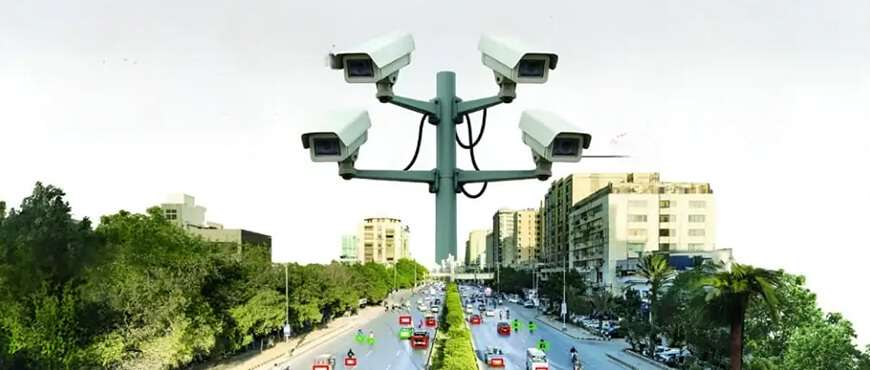
The weak enforcement of traffic laws in Pakistan has long plagued the country. Poor infrastructure puts the violator at risk as well as the other drivers on the road. Hence, creating a dangerous situation for everyone involved. Moreover, the public has longed for a system that improves the traffic situation and penalizes those who commit violations.
Hence, the Safe City projects were launched in multiple cities, including Karachi, Lahore, and Islamabad, to curb these problems. The respective authorities launched a digital system to issue fines electronically for transgressors. Furthermore, the new system, known as the e-challan, uses Artificial Intelligence (AI) and Automatic Number Plate Recognition (ANPR) cameras to catch offenders in real-time.
However, the novelty of the system has made it difficult for people to know how to deal with it. That’s why knowing how to check an e-challan is essential for urban dwellers. Moreover, people remaining willfully ignorant of these fines may face blocked vehicle transfers, registration issues, or even legal action. Hence, it is important to learn about this new infrastructure to contest unfair penalties and pay the correct ones on time.
Before explaining how to check an e-challan, it’s important to understand it. Simply put, it is a traffic fine issued automatically by cameras on roads and intersections. Unlike traditional fines, the system uses technology: when a vehicle jumps a red light, speeds, or breaks lane rules, cameras capture its number plate. The system then identifies the owner via the Excise and Taxation database, generates a fine, and sends it by SMS or mail, with the record uploaded online within 24–48 hours.
Method 1: Via the Official PSCA Portal: This method offers a reliable and easy way for checking fines. Simply visit the official website in Punjab and follow these steps.
Method 2: Via SMS: Alternatively, people can go for a quick, albeit less comprehensive check, through the SMS service.
The federal capital utilizes a similar, robust digital infrastructure integrated with the Safe City project. With diplomats from all over the world visiting the city, it needs to ensure compliance with traffic rules and an efficient traffic flow. Moreover, to check the status of a fine in Islamabad, follow these steps.
The first city in Sindh to introduce this system is, unsurprisingly, Karachi. The Sindh Police have integrated this digital tool to eliminate the need to visit Excise offices for basic verification of information. Now, residents of the metropolitan need only follow these steps:
Furthermore, Sindh Police sends a physical copy via the Pakistan Post vehicle’s owner
The KPK government has opted for an alternative route. It does not use AI or ANPR cameras to issue fines. Instead, the KPK police use Hand Held Units (HHUs) and smart gadgets to issue them on the spot. This method often goes through the following steps:
Visit your province’s official portal. For Punjab, use echallan.psca.gop.pk; for Islamabad, islamabadpolice.gov.pk; and for Sindh, the Sindh Police online services section. Enter your vehicle number and CNIC to view details.
Pay via JazzCash, Easypaisa, bank apps (HBL, UBL, etc.), ATMs, or bank branches (NBP, BOP). In Punjab, you can also use the e-Pay Punjab app
Yes, view the details on the portal to see the ANPR camera image of the violation.
It can take 24 to 48 hours to appear. Also, check that your vehicle number and CNIC are entered correctly.

30C / II - 24th Street D.H.A Phase II Extension Phase 2 Commercial Area, Karachi, Sindh
Rentals@deinfa.com
+92 331 3334632
+92 321 8291537
© 2026. All Rights Reserved by Deinfa. | Developed by: Digital Eggheads.

Starting from five vehicles and growing to a fleet of over 1,000, Deinfa has become a renowned name in the car rental industry.